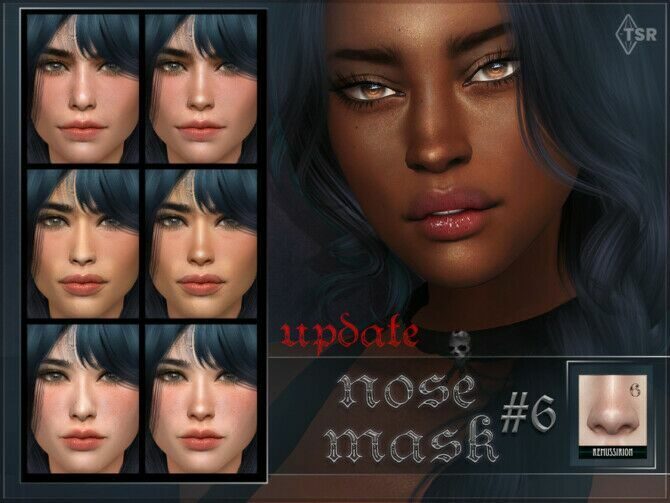
Nose Mask 06 Update for Sim Creators
by Remussirion

Home / Skins
Skin overlays, tattoos, beards and teeth for more realistic and more varied Sims.
by Remussirion
by Bakalia
by Tatygagg
by Sagittariah
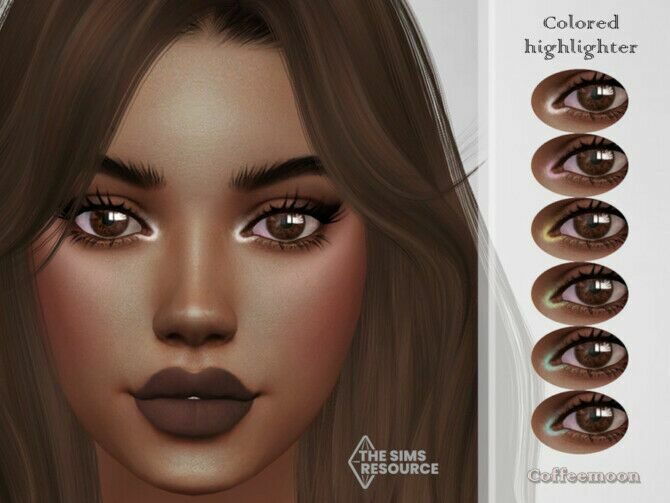
by Coffeemoon
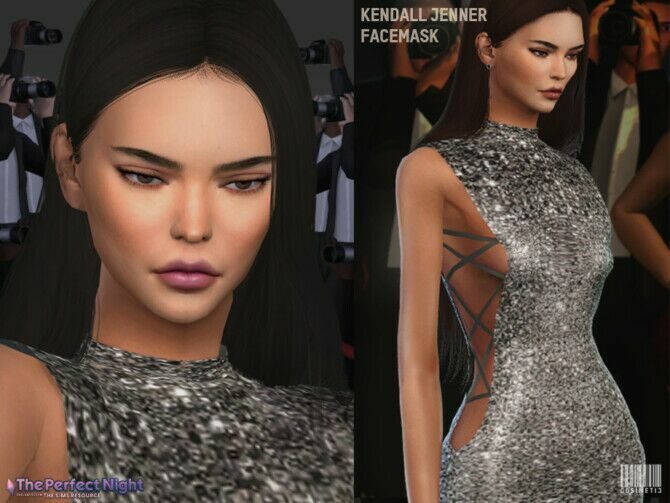
by Cosimetic
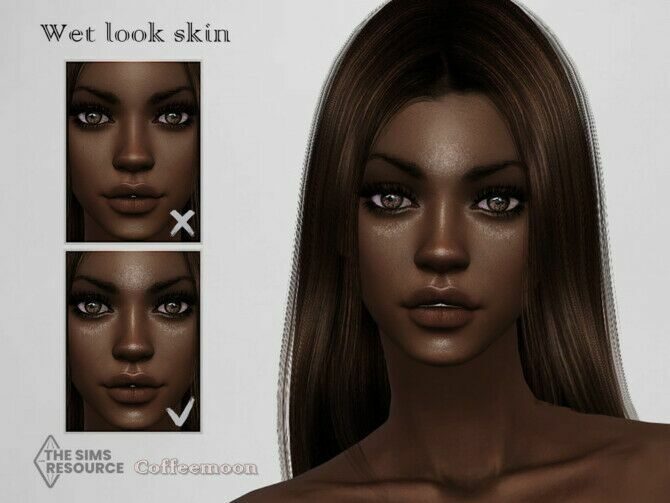
by Coffeemoon
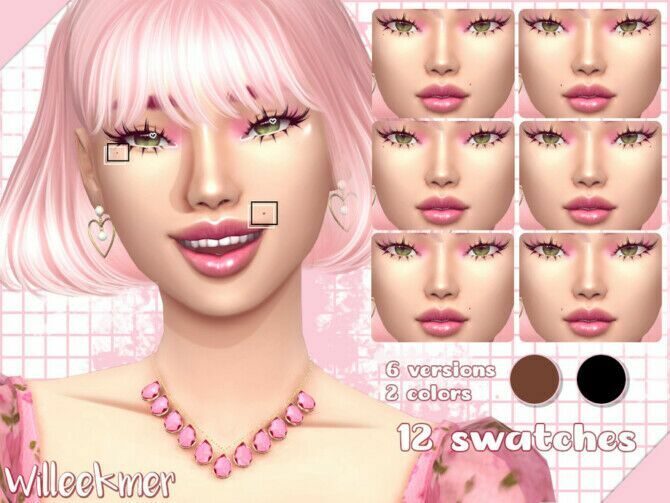
by Willeekmer
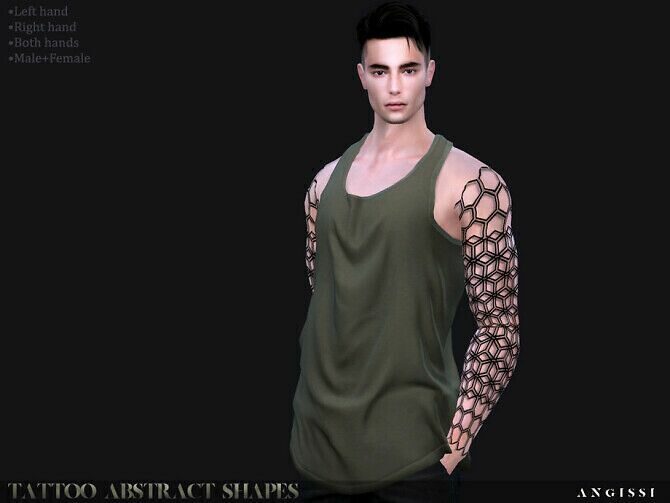
by Angissi
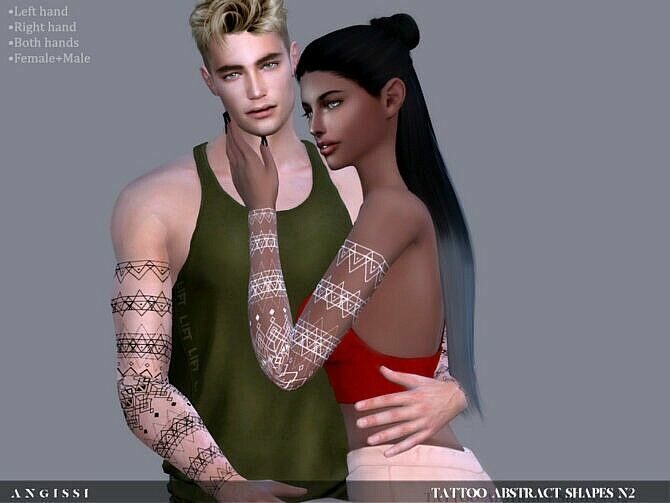
by Angissi
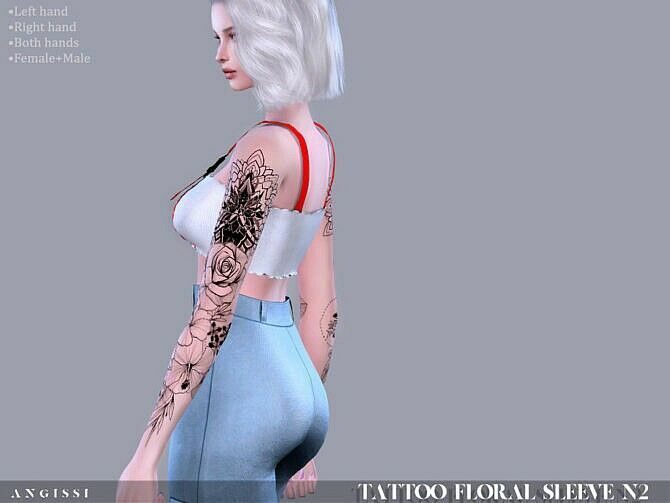
by Angissi
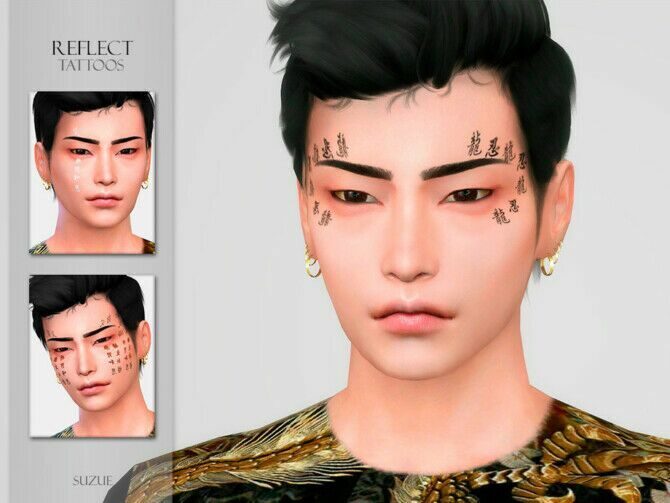
by Suzue
Skin overlays add texture, freckles, under-eye shadows and body detail on top of the game skin. Most are placed under the skin details tab so they do not replace the base tone. Tattoos follow the same idea and usually come with several opacity versions.
Facial hair CC adds stubble and beards that look far more natural than the base set, and teeth replacements fix the famously uniform Sims smile.
Overlays range from barely-there texture to full realistic skin with pores and shading. Lighter overlays keep the Maxis Match look and are kind to older graphics cards; heavier ones look best with high-detail lighting mods and reshade presets.
For variety in your town, mix a few overlays at different strengths across townies, add freckles or moles from the skin details tab and give a couple of Sims a tattoo or beard. Small differences like these are what stop a neighbourhood looking like it was made from a single preset.
Teeth and facial hair are small files that quietly transform a face. Realistic teeth fix the plain white strip of the base game, and a short stubble or groomed beard can age a young adult or soften an elder. Both are usually found under the skin details tab or in the facial hair section of Create a Sim.
New to custom content? Read the install guide first — it takes five minutes and saves a lot of troubleshooting.