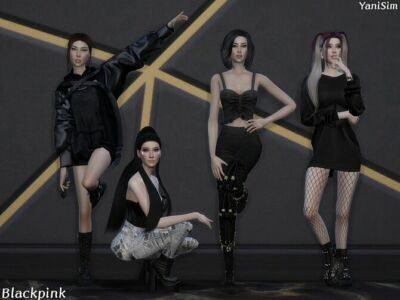
Blackpink 1 Pose Pack
by Yanisim

by Yanisim
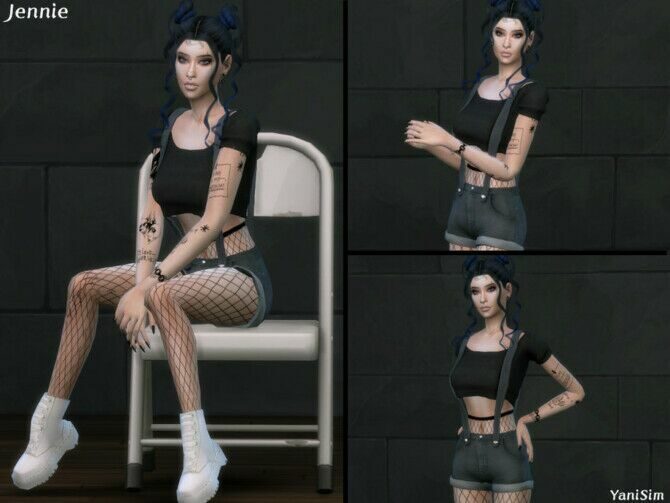
by Yanisim

by Couquetts
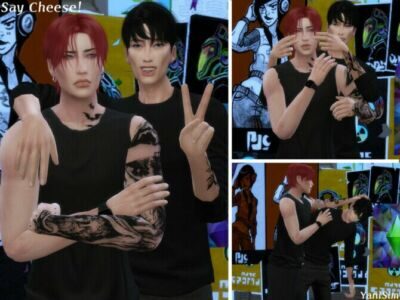
by Yanisim
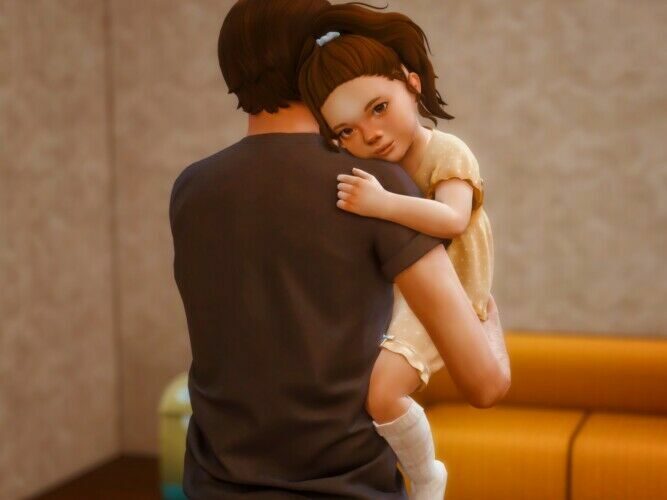
by Katverse
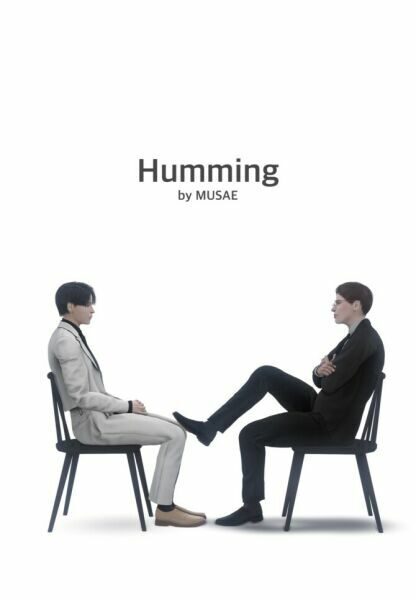
by Effie
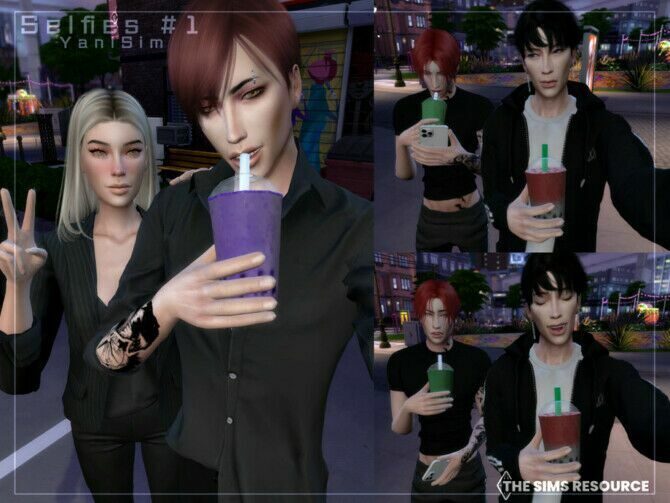
by Yanisim
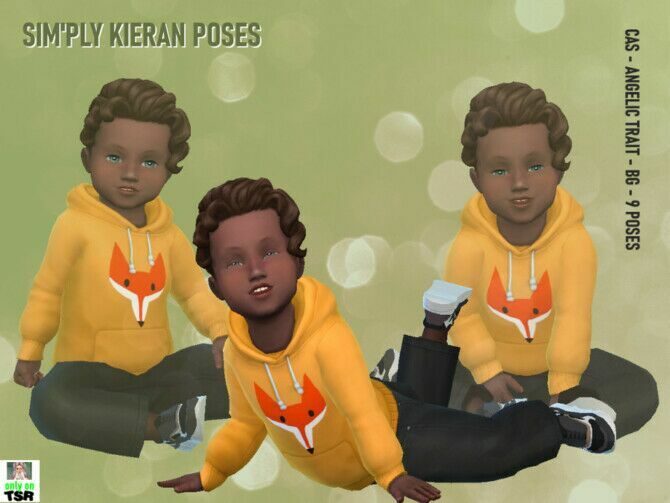
by Idavt
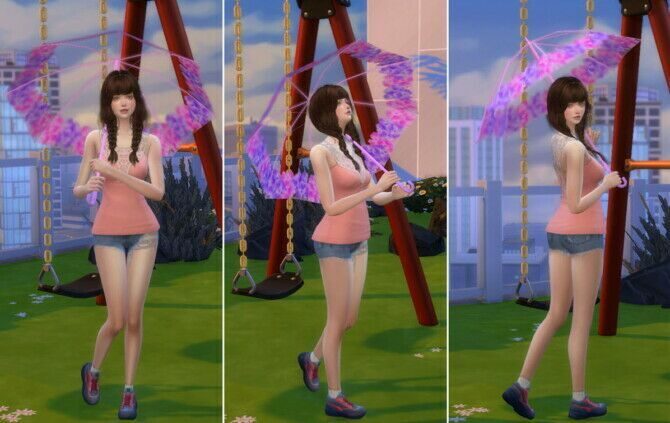
by A Luckyday
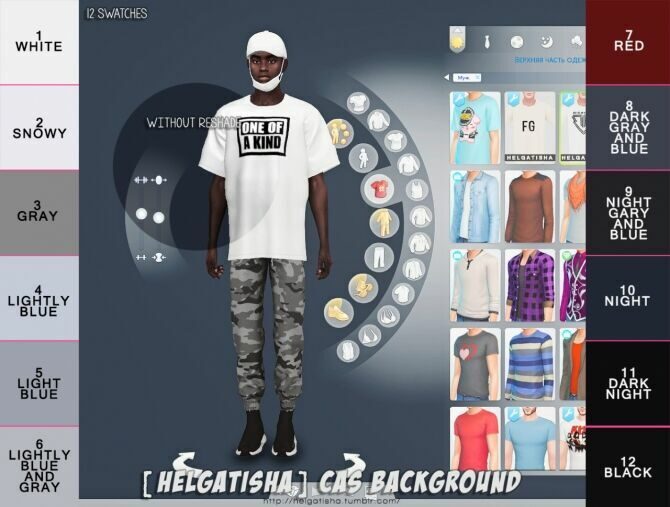
by Helga Tisha
Poses need the free Pose Player mod and usually the Teleport Any Sim mod to line Sims up. After installing, you select a Sim, click the pose player object and choose the pack. Couple and group poses work best when every Sim is placed on the same spot first.
CAS backgrounds replace the plain studio behind Create a Sim. They are simple overrides, so only keep one installed at a time.
Good screenshots are mostly about light and framing. Switch to the free camera (Shift + Tab), lower the camera to eye level and turn off the user interface before you capture. A plain wall or a CAS background behind your Sims keeps attention on the pose.
Group poses need a little patience: place all Sims on the pose player object one by one, in the order the creator lists, and pause the game before taking the shot. Many creators include a short video or diagram showing which Sim goes where.
CAS backgrounds deserve a final word. They change only what you see in Create a Sim, but a soft gradient or a simple room set makes it much easier to judge skin tones, hair colours and makeup than the default backdrop. Keep one installed and swap it when you fancy a change; two at once will simply override each other.
Storytellers often build a small “studio” lot just for screenshots: a few walls in neutral colours, good lighting and a pose player in the middle. It saves you from moving furniture around in your family homes every time you want a portrait.
New to custom content? Read the install guide first — it takes five minutes and saves a lot of troubleshooting.