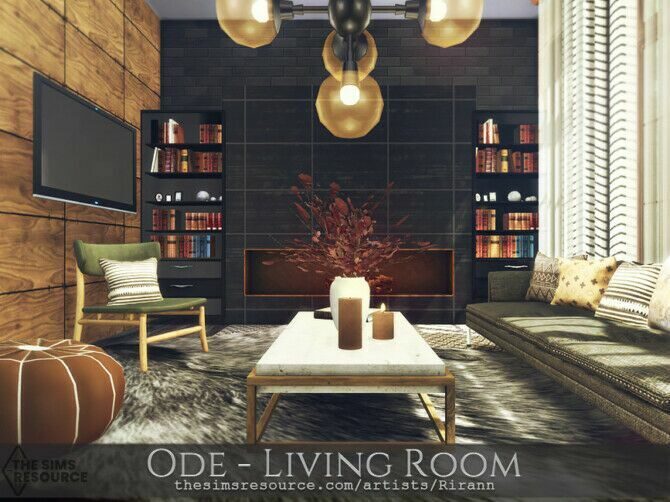
Ode Living Room
by Rirann

Home / Houses
Ready-made homes, from starter cottages to Mediterranean villas, to drop straight into your world.
by Rirann
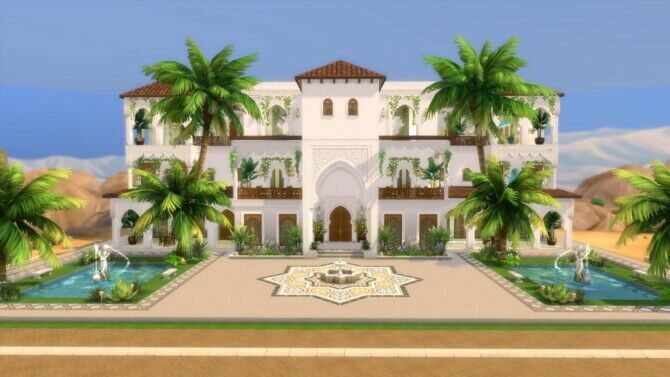
by Mamba black
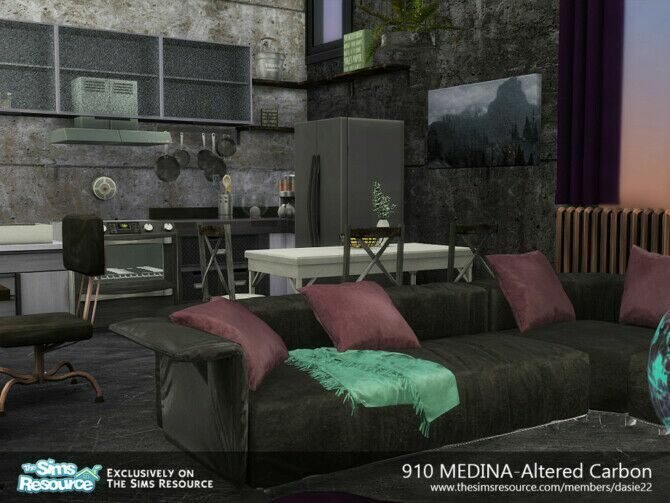
by Dasie2
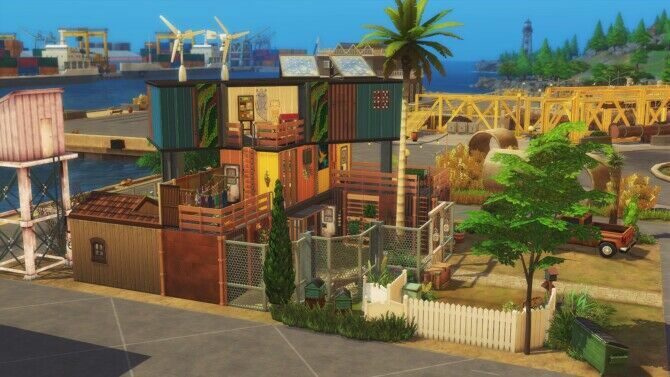
by Studio Sims Creation
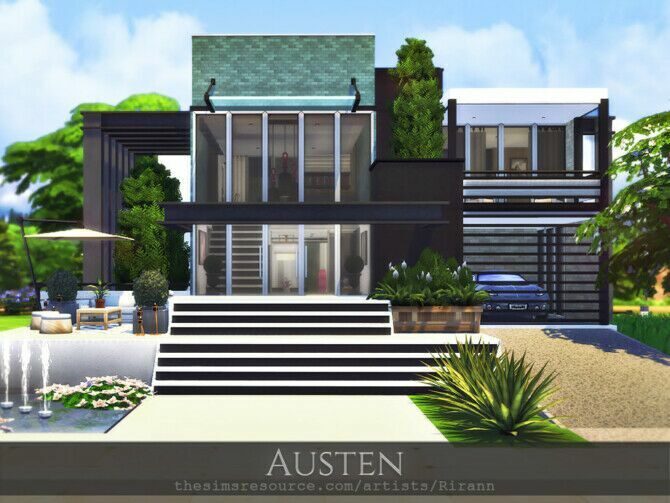
by Rirann
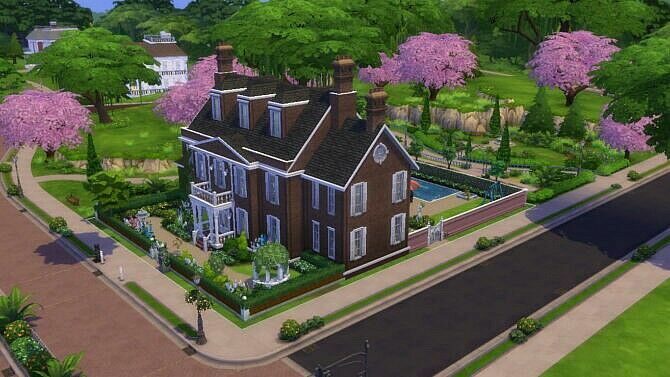
by Dixie Nourmous
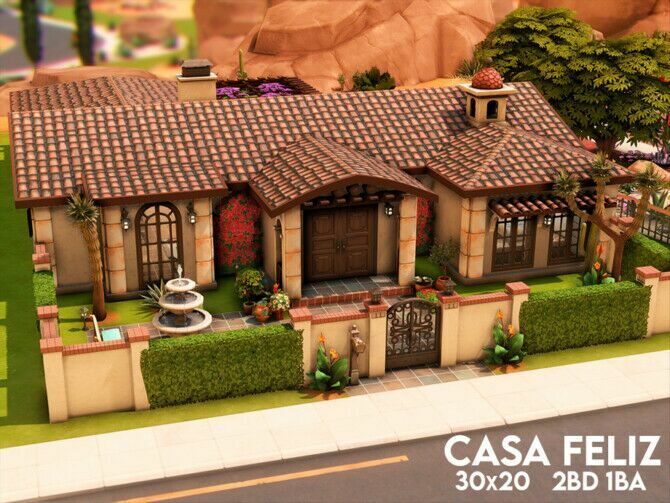
by Xogerardine

by Pyrenea at Sims Artists
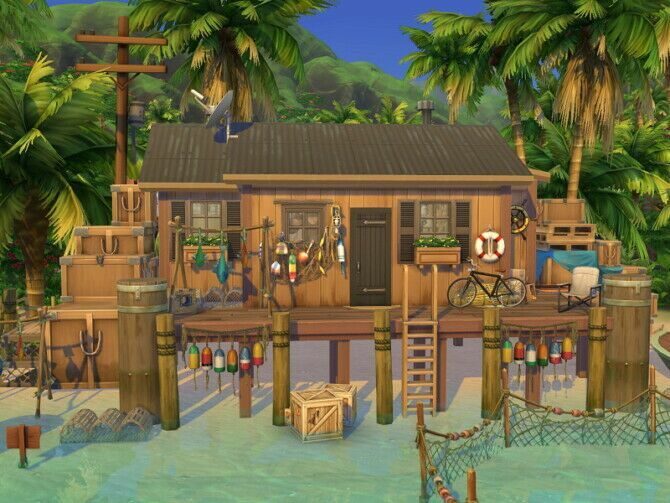
by Flubs79
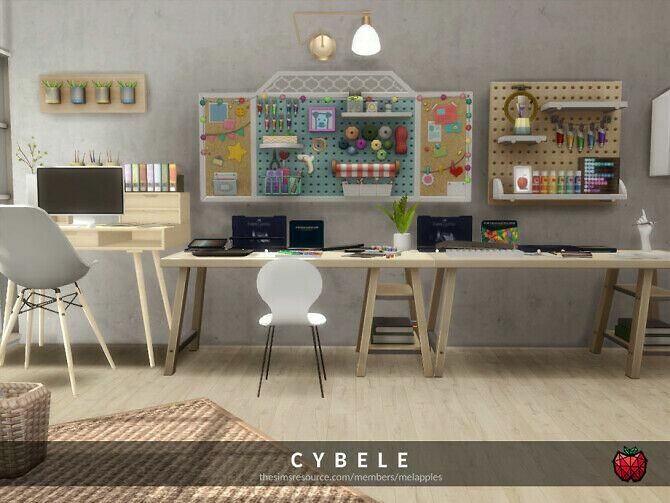
by Melapples

by Mikkimur
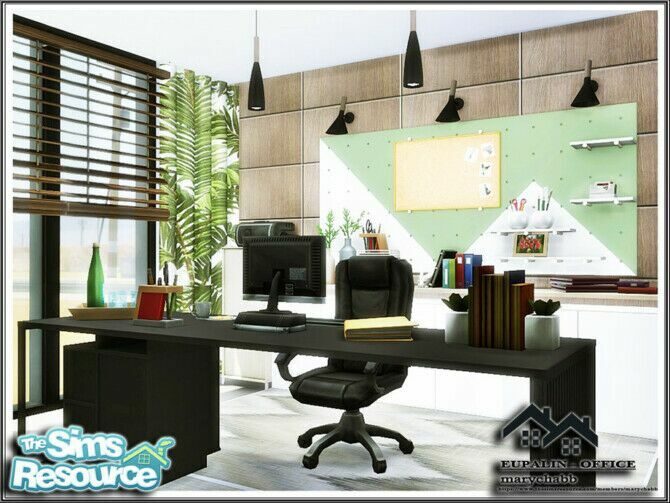
by Marychabb
Lots and houses come as tray files (.trayitem, .blueprint, .bpi) rather than packages. They go into the Tray folder, not Mods, and appear in the Gallery under “My Library”.
Builders usually list the packs they used and whether the lot needs custom content. A “no CC” build is the safest choice if you want to share your save or play on console-style setups. If a lot needs CC, missing items simply disappear when you place it, leaving gaps in walls or empty rooms.
Check the lot size before you fall in love with a mansion. A 40×30 build will not fit on a 30×20 lot in Willow Creek, and moving lots between worlds is the quickest way to find out.
A downloaded house is a great way to start a new save quickly, but it is worth walking through it in Build Mode before you move a family in. Check that every room has a door, that the kitchen has counters a Sim can use and that the lot has a mailbox and trash can — builders sometimes leave these out for clean screenshots.
Builds in the archive range from cosy starter homes under §20,000 to sprawling estates. Starter homes are ideal for rags-to-riches and legacy challenges, while larger builds suit wealthy families or community lots such as cafés and gyms.
New to custom content? Read the install guide first — it takes five minutes and saves a lot of troubleshooting.