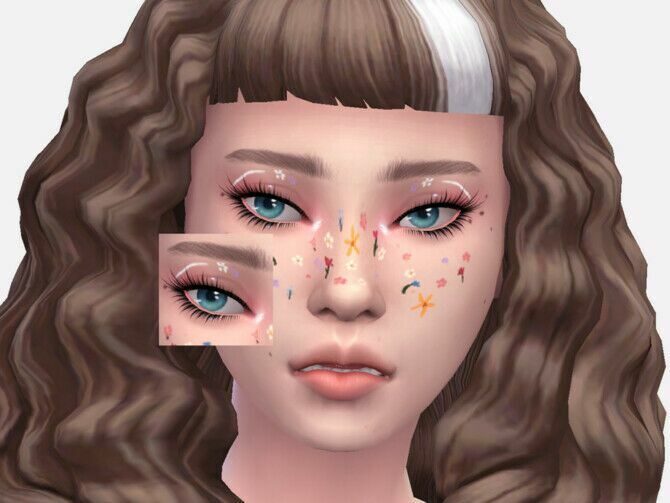
Field Fairy Eyeliner
by Sagittariah

Home / Makeup
Eyeliner, blush, lips, brows, freckles and face paint — the small details that make a Sim look like a person rather than a preset.
by Sagittariah
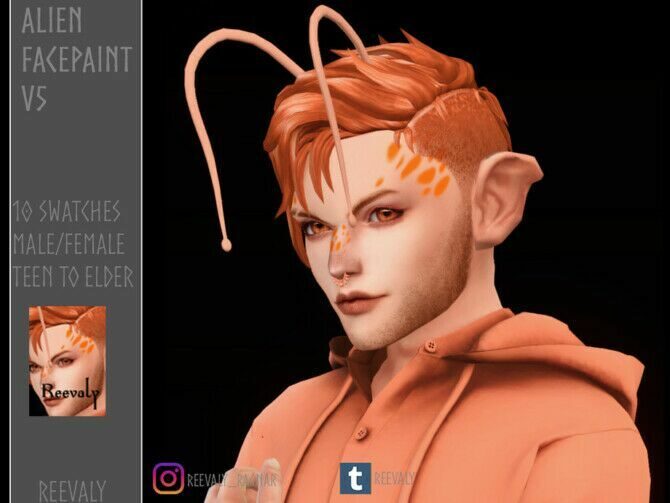
by Reevaly
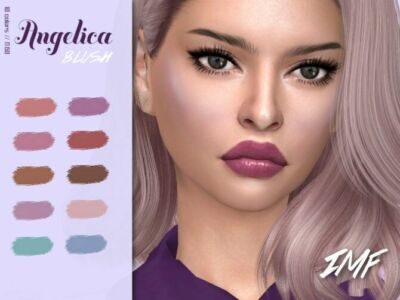
by Izziemcfire
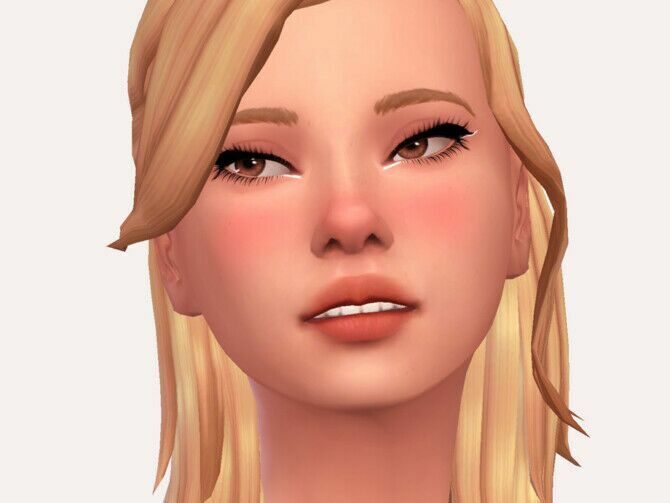
by Sagittariah
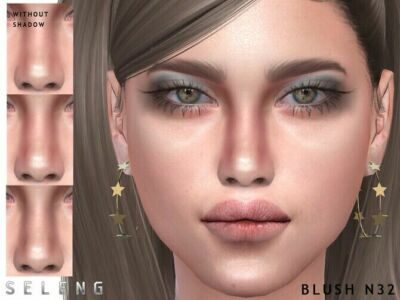
by Seleng
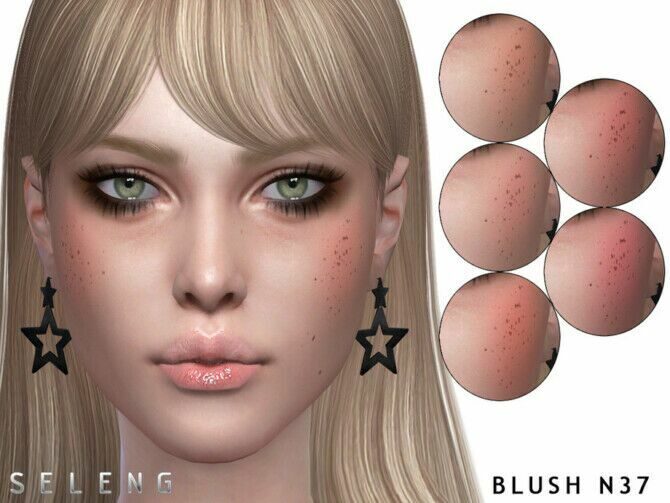
by Seleng
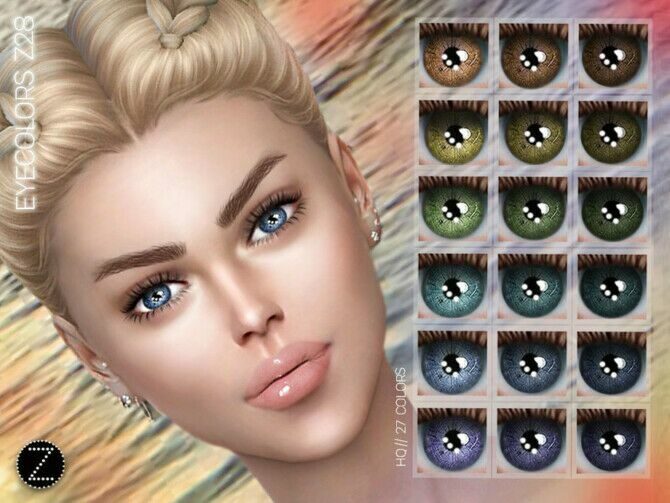
by Zenx
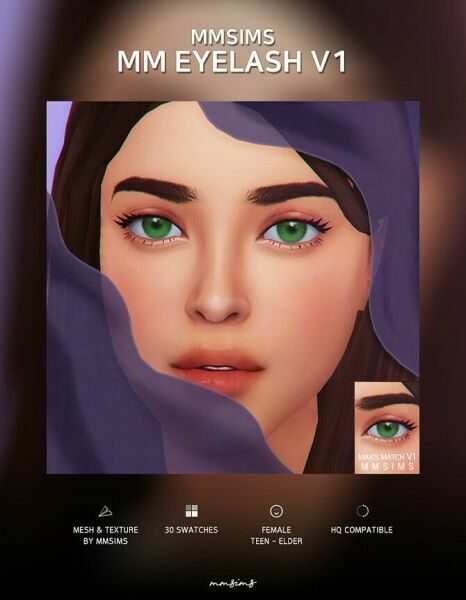
by Mmsims
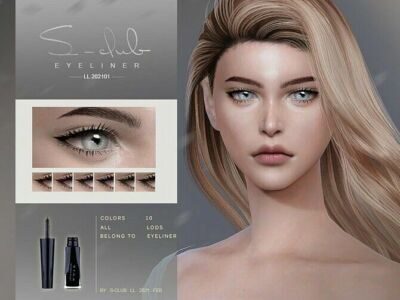
by S Club Ll
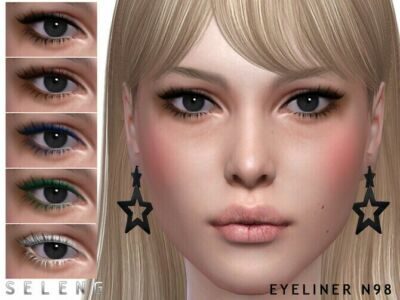
by Seleng
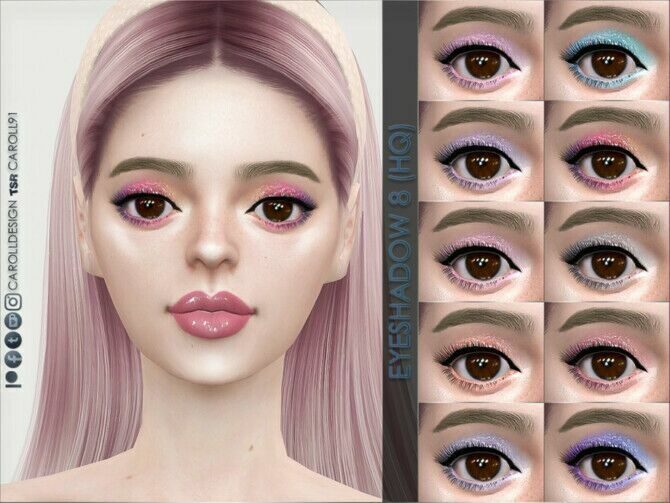
by Caroll91
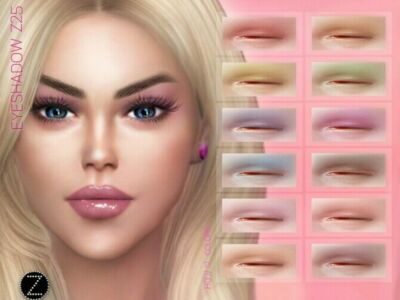
by Zenx
Makeup CC is light on your game: most items are a single texture with no mesh, so you can install a lot of it without slowing Create a Sim. Brows and blush change a face more than any slider does, and freckles or a subtle highlighter work well for elders as well as young adults.
Many sets are labelled HQ, which means they use higher resolution textures. They look sharper in close-up screenshots, but you only see the benefit if “HQ mod” or the game’s own high-detail setting is switched on.
Depending on how the creator categorised it, one item can sit under eyeshadow, eyeliner, blush, lipstick, face paint or even the skin details tab. If you cannot find something after installing it, check the skin details first — freckles and moles often end up there.
For everyday Sims, start with brows and a soft blush, add a light lip colour and stop there. Heavy eyeliner, glitter and face paint are fun for parties and fantasy saves, but subtle makeup is what makes a household look consistent across hundreds of screenshots.
Elders benefit from makeup too: a muted lip and gentle contour stop older faces looking flat under the game’s lighting. Many sets on this page come with child versions as well, which are perfect for costume parties, school plays and holiday photos.
New to custom content? Read the install guide first — it takes five minutes and saves a lot of troubleshooting.