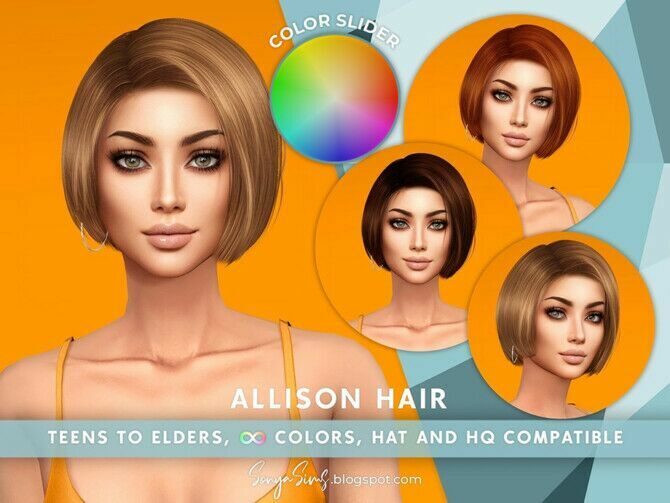
Allison Color Slider Retexture
by Sonyasimscc

Home / Hair
Long, short, braided, curly and kids’ hairstyles, plus retextures that bring older meshes up to date.
by Sonyasimscc
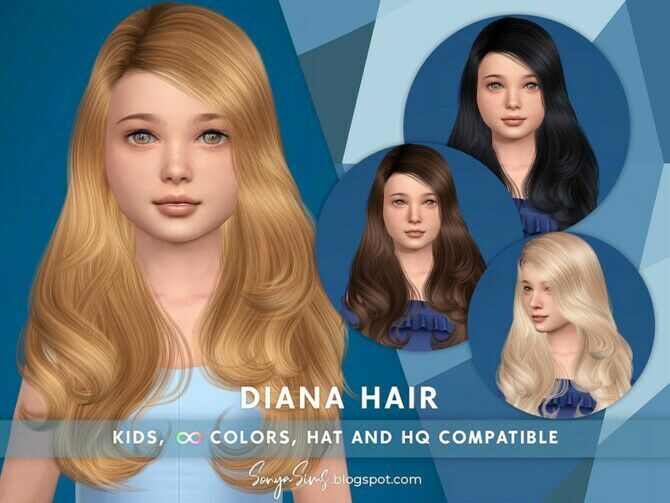
by Sonyasimscc
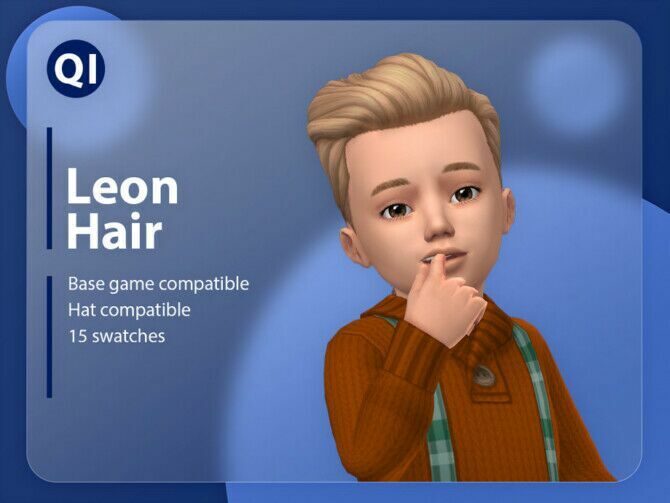
by Qicc
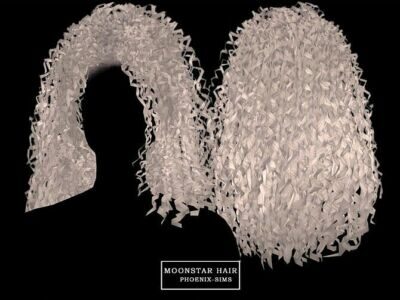
by Phoenix Sims
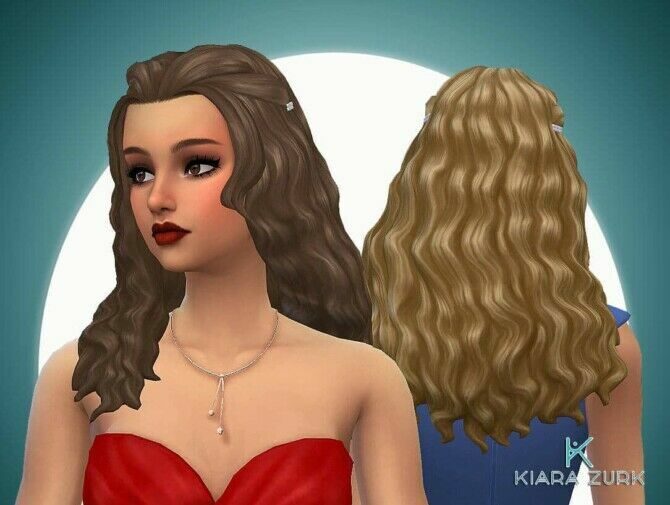
by My Stuff Origin
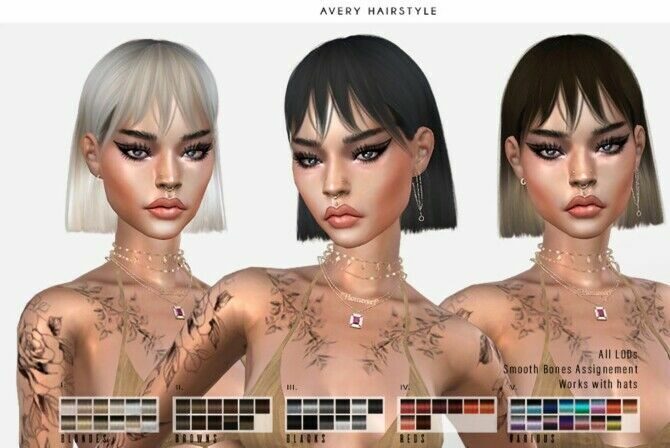
by Leah Lillith
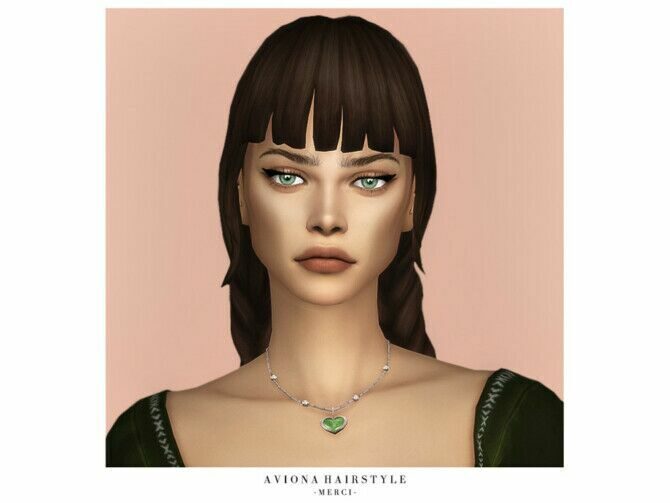
by Merci
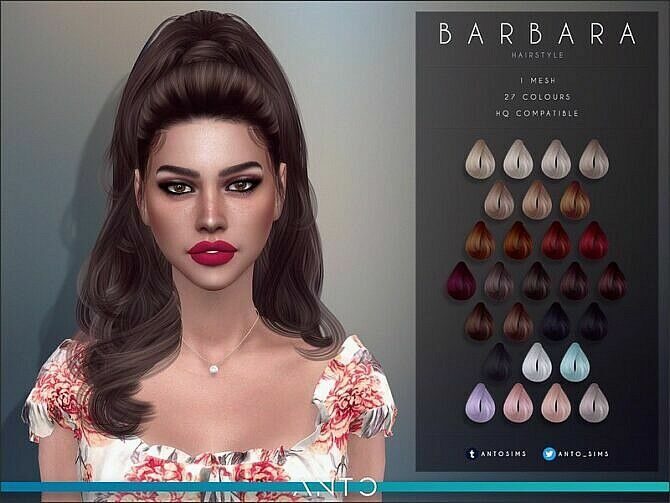
by Anto
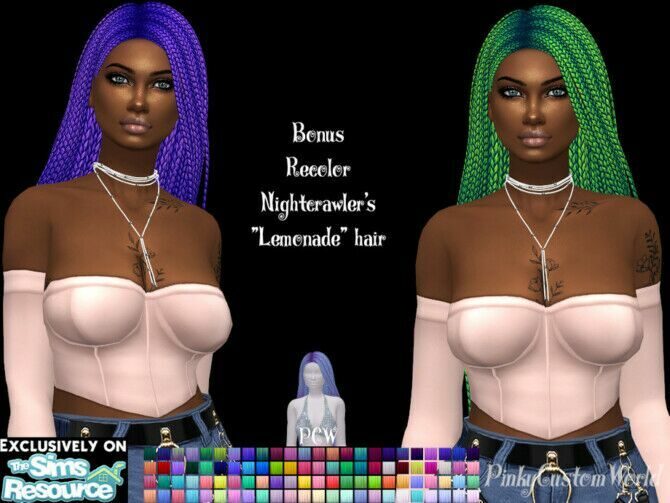
by Pinkycustomworld
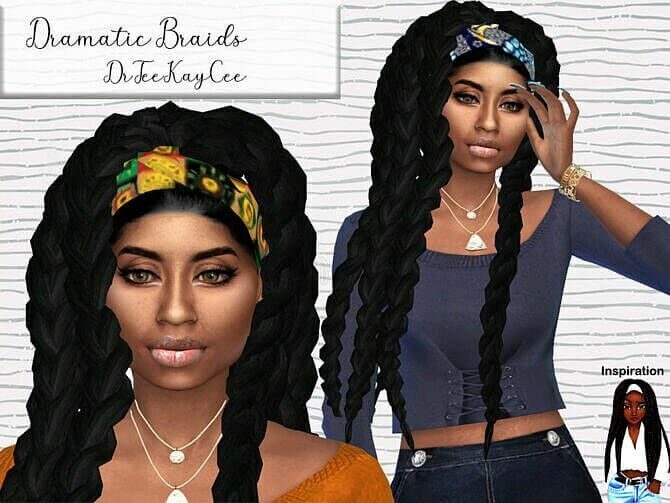
by Drteekaycee
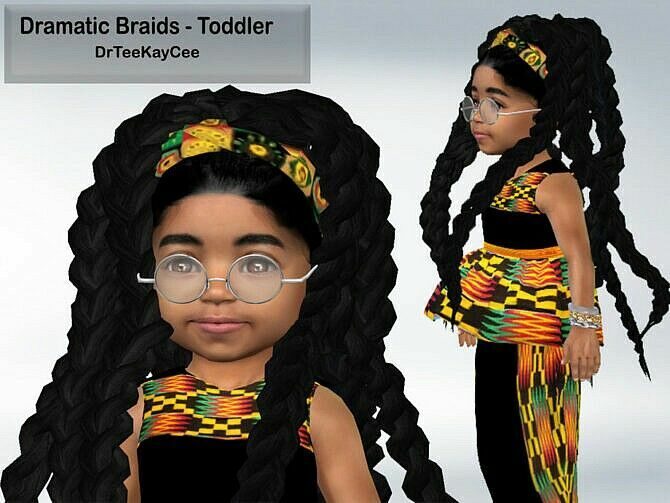
by Drteekaycee
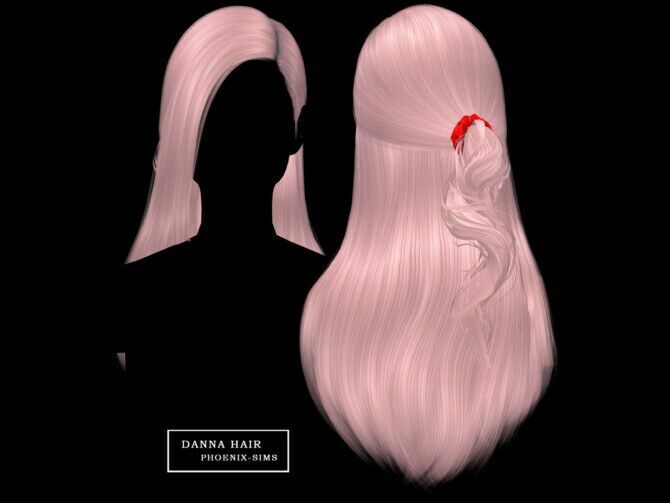
by Phoenix Sims
Custom hair is the first thing most players add and the first thing they notice when it goes wrong. Good hair CC has clean hairlines, follows head movement without clipping through hats and keeps its shape under in-game lighting. The styles collected here were chosen for those reasons, not just for the preview render.
You will see the word retexture a lot. A retexture keeps someone else’s mesh but repaints it, often in a fuller palette of natural and pastel colours. Retextures usually need the original mesh installed, so read the requirements before you download.
Textured hair has improved enormously in the past few years. Look for styles with separate accessory versions (edges, bonnets, scarves) and check whether the creator made child and toddler variants — families look far more convincing when the hair matches across ages.
Maxis Match hair uses chunky, painted strands that sit naturally next to the game’s own styles and keeps file sizes small. Alpha hair uses transparent textures for fine, realistic strands; it looks stunning in close-ups but can appear blocky on lower graphics settings and occasionally shows a halo against dark backgrounds.
Whichever style you choose, keep a handful of short and medium cuts for everyday Sims and save the dramatic long styles for the household you play most. Your CAS loading time will thank you, and townies will stop wearing the same three base-game ponytails.
New to custom content? Read the install guide first — it takes five minutes and saves a lot of troubleshooting.